Contextual glossing in Yumei
How Yumei translates words that you are still learning

Reading is one of the best ways to learn a language. But running into new or unfamiliar words often requires looking them up, which can interrupt the flow of practice. Yumei aims to improve this experience by translating words that you are still learning, so you can read primarily in the language you are learning without interruption.
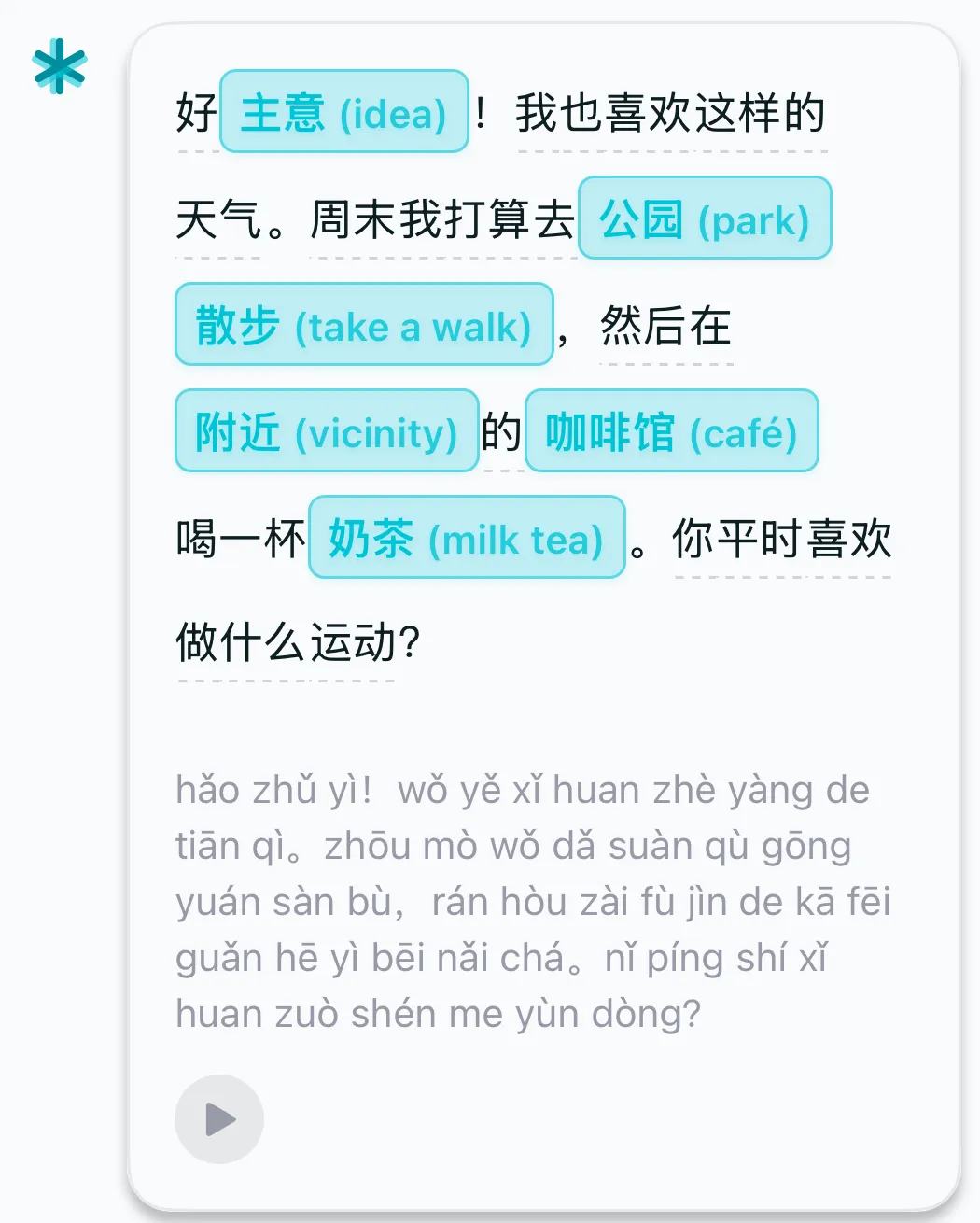
To do this, Yumei first determines which words a sentence contains. For Chinese, we segment the sentence as there are no spaces between the words. For most other languages, the words are already space-separated but we must reduce them to their base form, or lemma, so that hablamos can resolve to hablar. Yumei then matches each word to a dictionary entry and uses the surrounding sentence to choose a short definition, or gloss, that would make sense as read in your language (hence, contextual gloss).
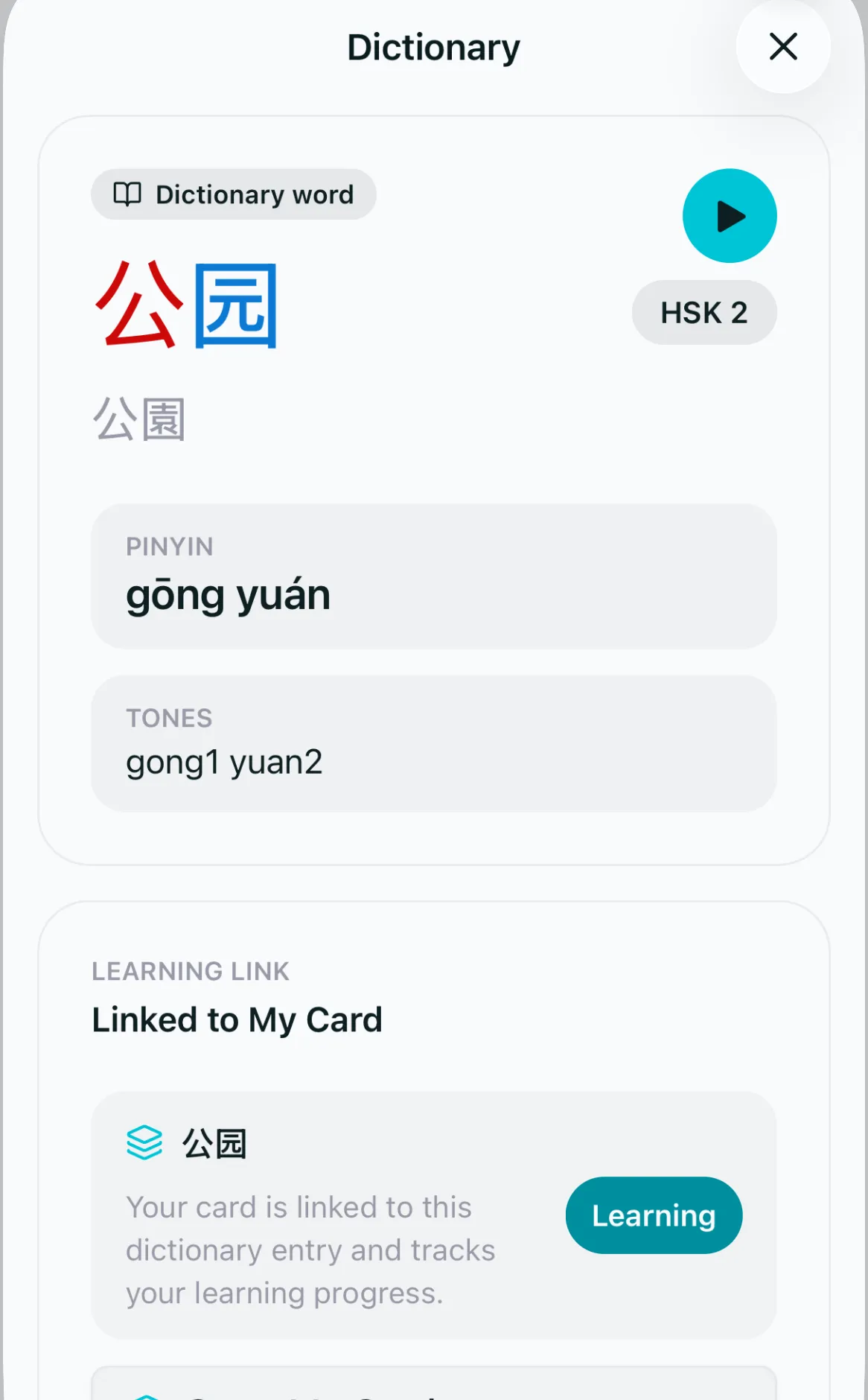
Each flashcard in the app that you study may point to one of these dictionary entries, so flashcards and conversation content refer to the same thing. In the transcripts, we use the interval that FSRS sets between reviews to decide how well you know the word. Currently, translations disappear once FSRS schedules a card a month or more out, which is when Yumei marks the word as mastered. For example, if you have been reviewing 公园 (“park”) but FSRS schedules your next review for one week out, it will show up translated in a conversation. Once the interval passes a month, the translation will go away and 公园 will appear normally, like 周末 and 打算 around it.
You can also disable the translation view if you prefer:
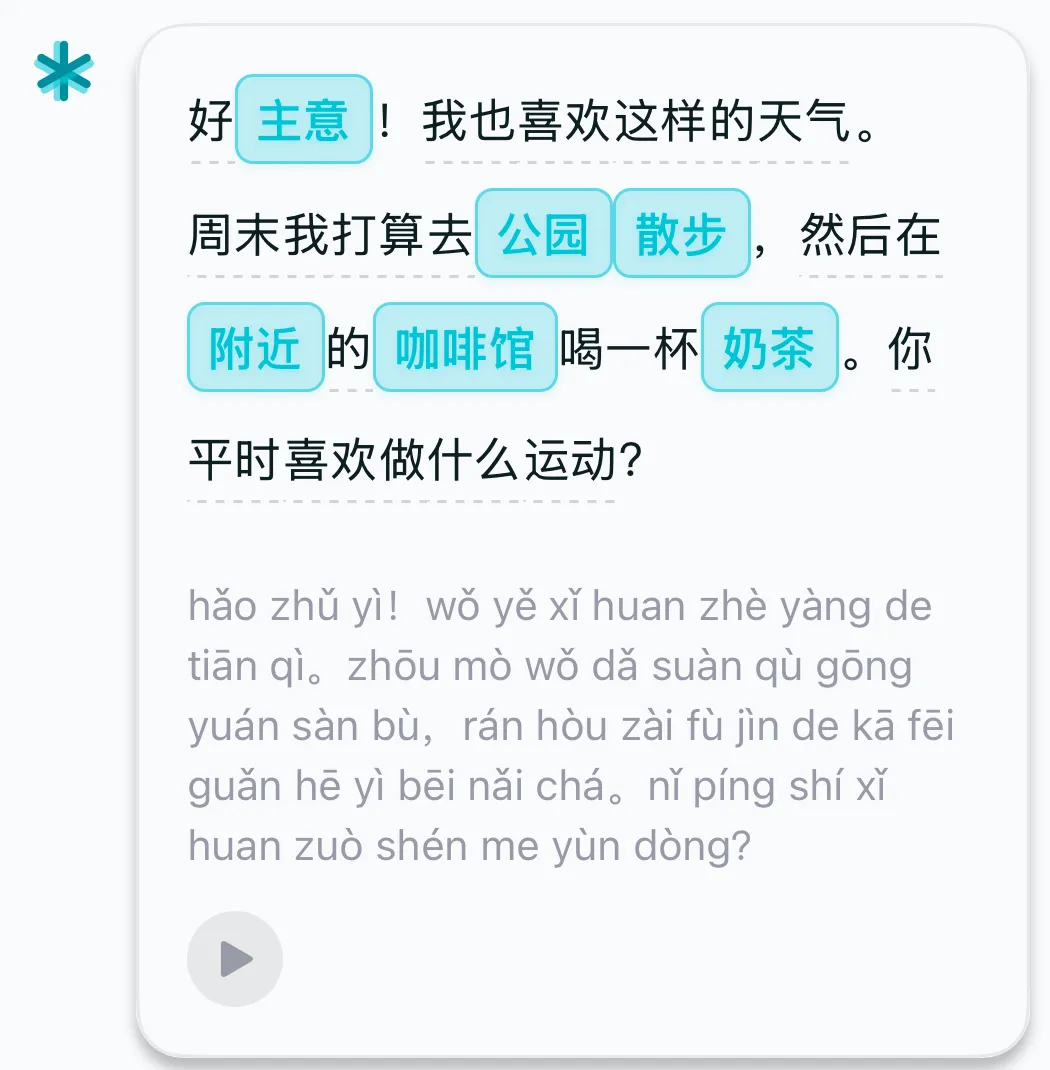
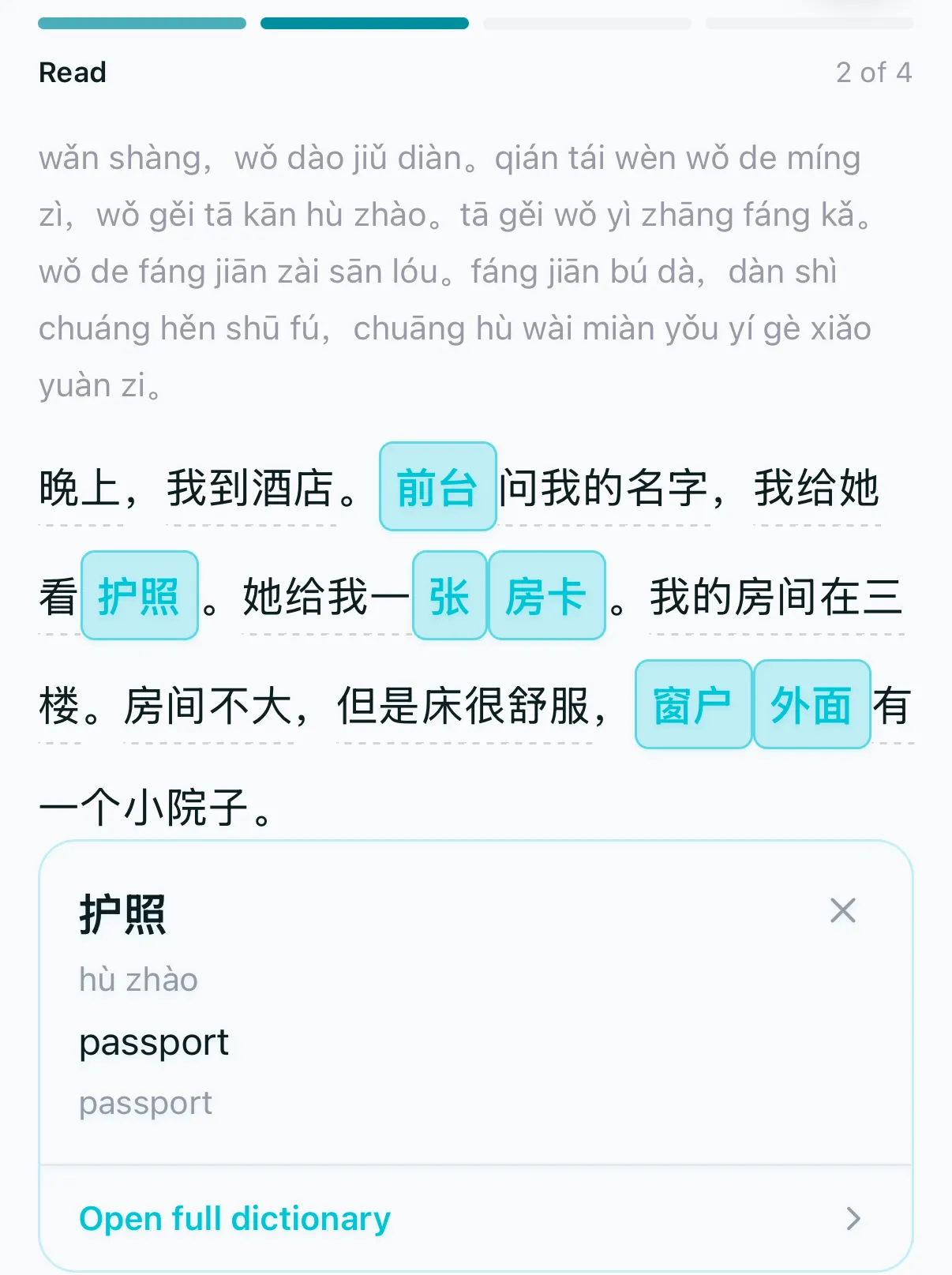
Our reading mode uses the same rule but instead highlights unfamiliar words. You can tap any word to see its definition:
Thanks for reading! Please reach out to hello@yumei.ai for any questions or feedback.